 DroRef
Your reference board,
in your pocket.
DroRef is a free, open-source reference board for Android. Collect images on an infinite canvas, arrange them, and float them over your drawing app. It opens and saves PureRef .pur files.
Android 7+ · No ads, no account, no tracking · MIT licensed · All releases
Everything a reference board needs
Built for artists who draw on a tablet or phone.
📥Collect
Add images and videos from the gallery, paste them, share to DroRef, paste a link, or drag and drop from another app in split screen.
✋Arrange
Move, scale and rotate with your fingers. Crop, flip, align, distribute, stack, normalize sizes, group and parent.
📌Always on top
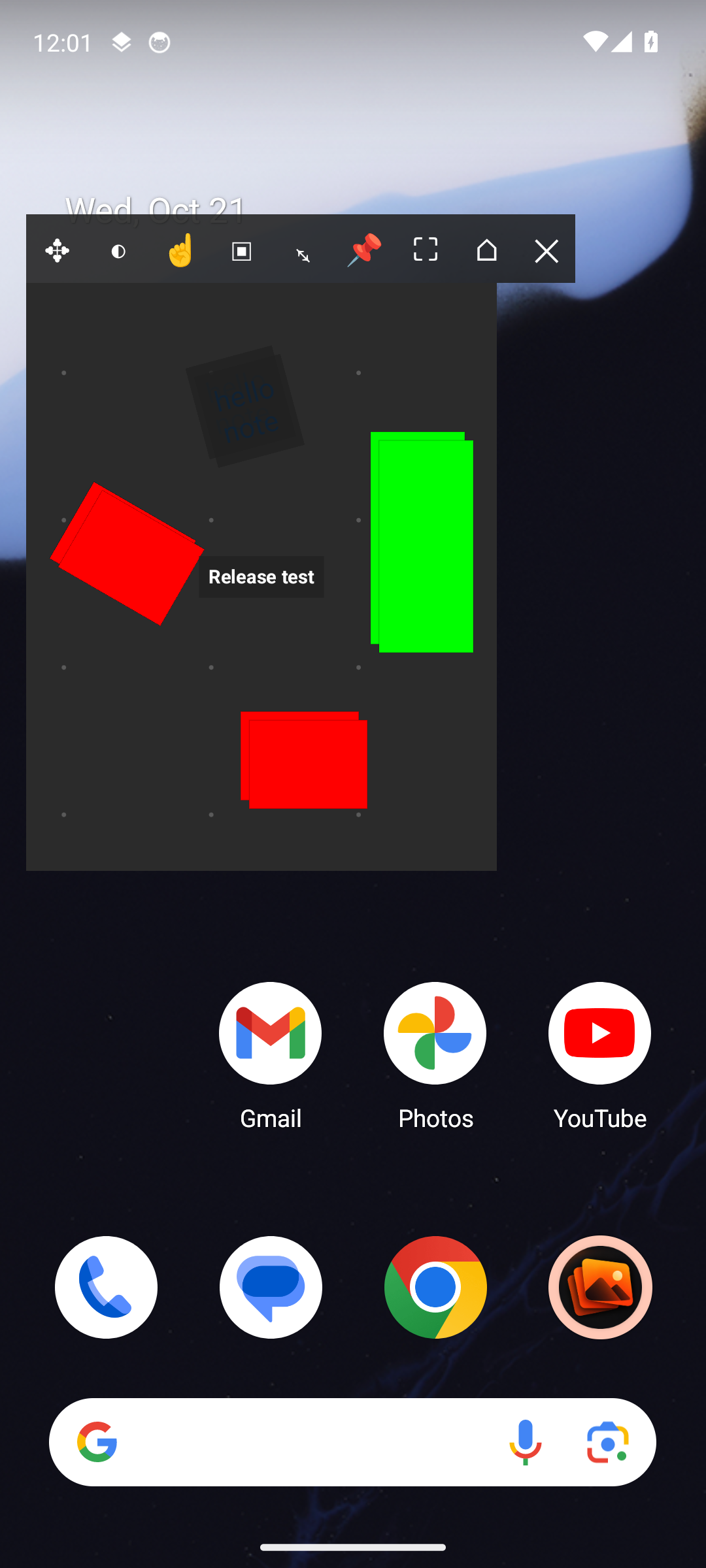
Float the board over any app, or only over one. Set opacity, make it transparent to touch for tracing, or hide the background.
🎞️GIFs & video loops
Play, pause, step frames, scrub and change speed. Loop a video between two points and grab any frame as an image.
🎨Study
Color picker with RGB, HSV and HEX, grayscale canvas, slideshow, and a focus mode that hides all the UI.
⌨️Keyboard & mouse
With a keyboard cover or a Chromebook, it works like PureRef on a PC: the same shortcuts, drag to select, Ctrl-drag to rotate, right-click menu.
🗂️Scenes & folders
Every board as a preview in a grid, sorted into folders. Jump back to the previous scene with one shortcut.
✏️Annotate
Rich-text notes with checklists and links, drawing tools with arrows, and comments on images.
Screens
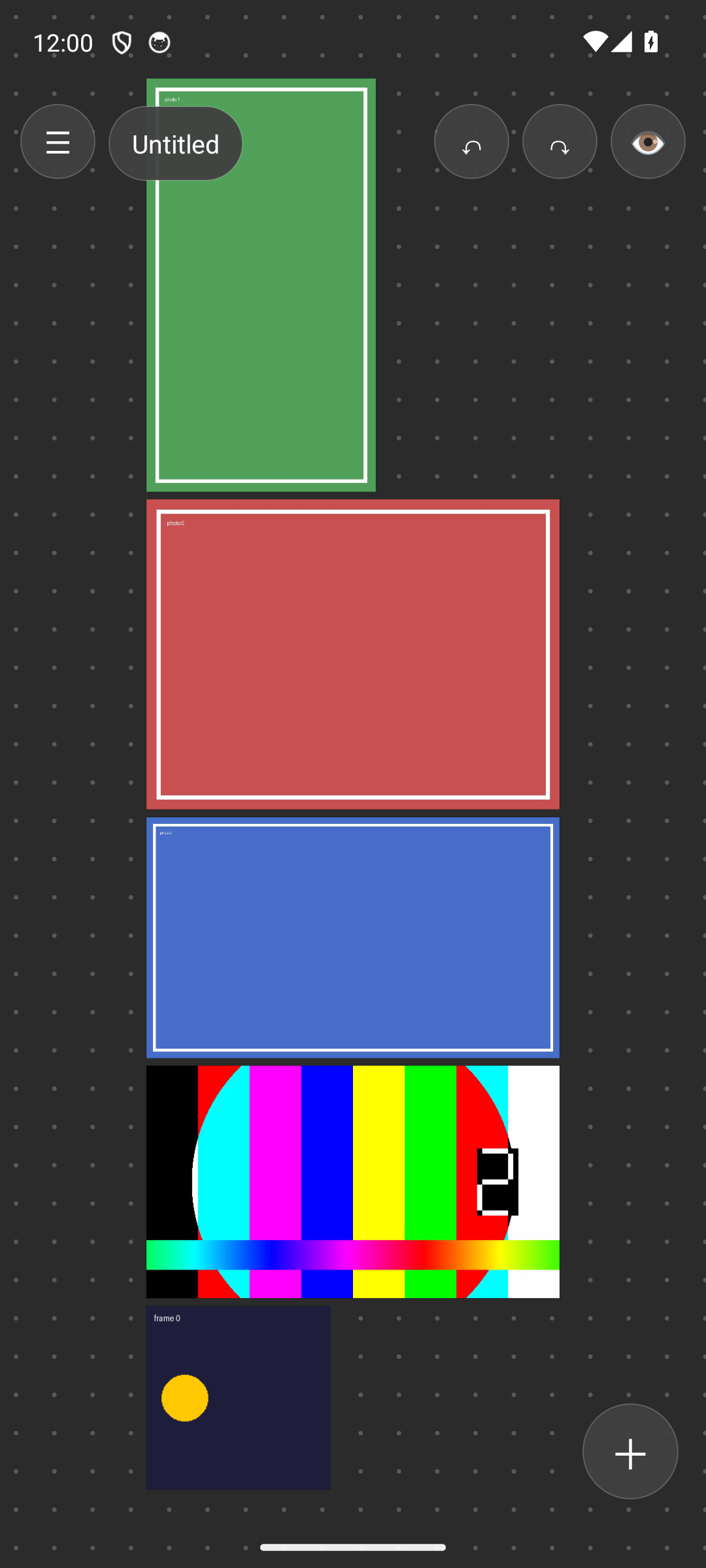
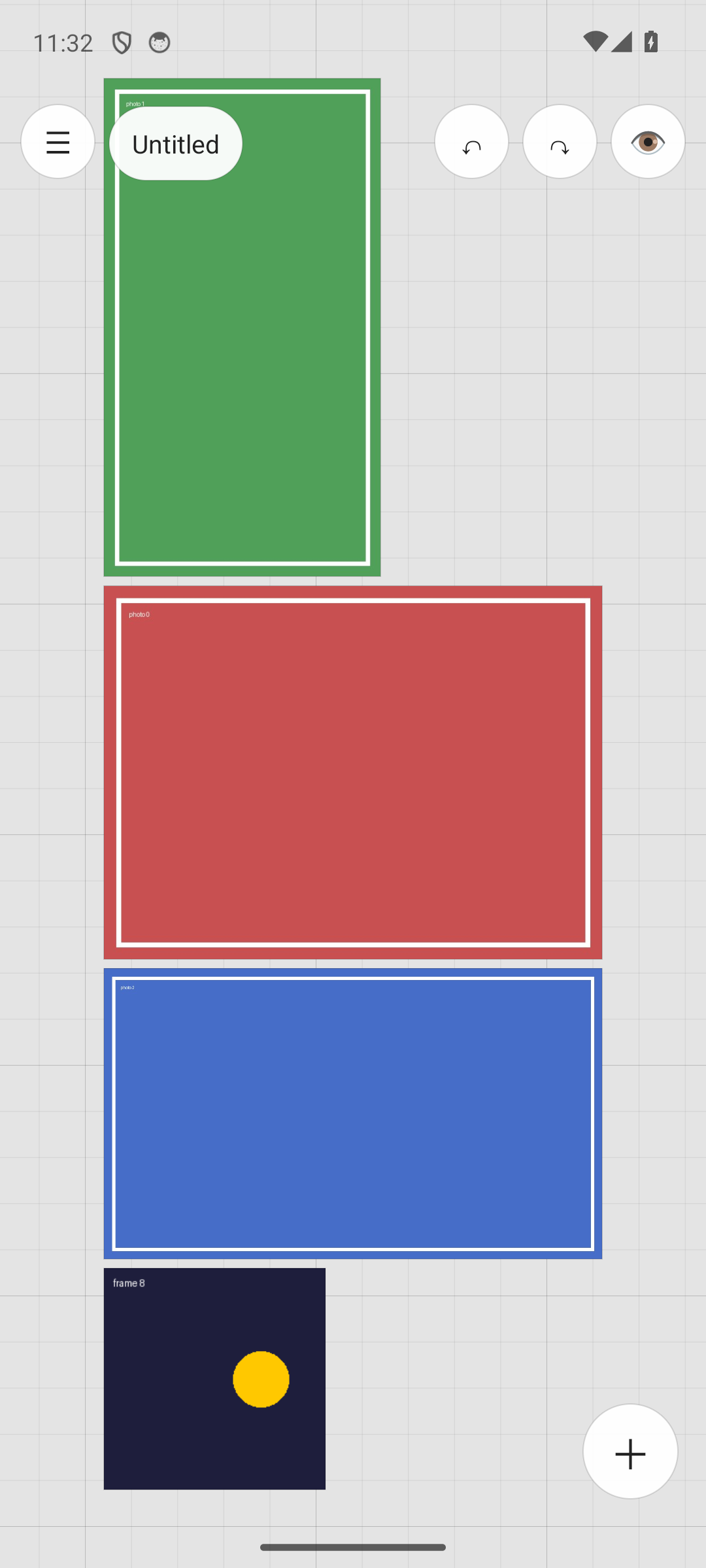
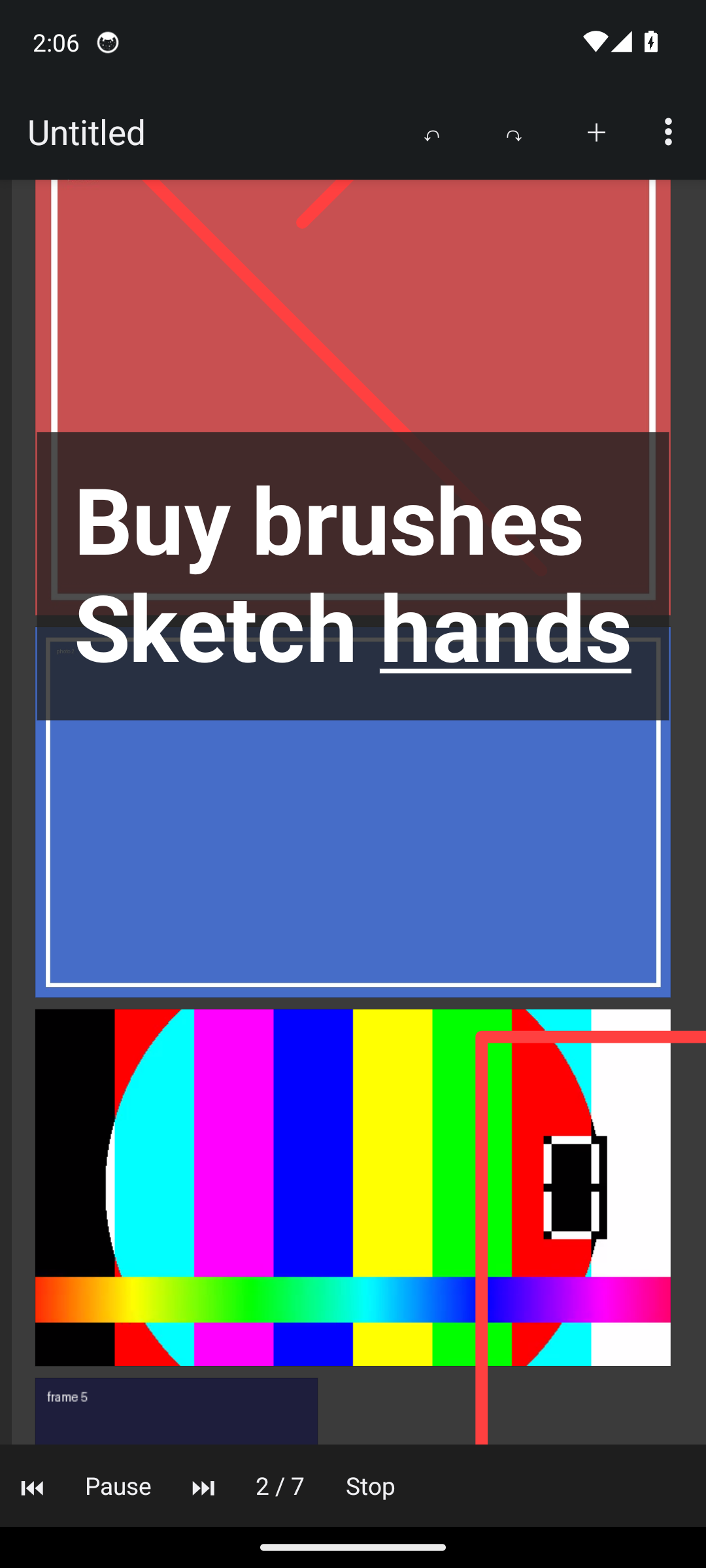
Dark, light and glass themes. Dot, grid or plain backgrounds.
Boards that go between phone and PC
Open a .pur from PureRef, edit it on your phone, save it back. PureRef opens it on your computer. From PureRef 2, use Save as → Legacy PureRef scene first.
DroRef is an independent app, not affiliated with PureRef or Idyllic Pixel. On PC, use the original: pureref.com
Support DroRef
One person builds and maintains DroRef, and it will stay free. If it helps your work, a coffee helps keep it going.
☕ Buy me a coffee